Blinkerbot

Product

Draw the journey, don't describe it

A canvas where a trigger, a condition and a message are things you can see. Build the path a conversation should take, and everyone on the team can read it.

No credit card · Full Pro access · Cancel anytime

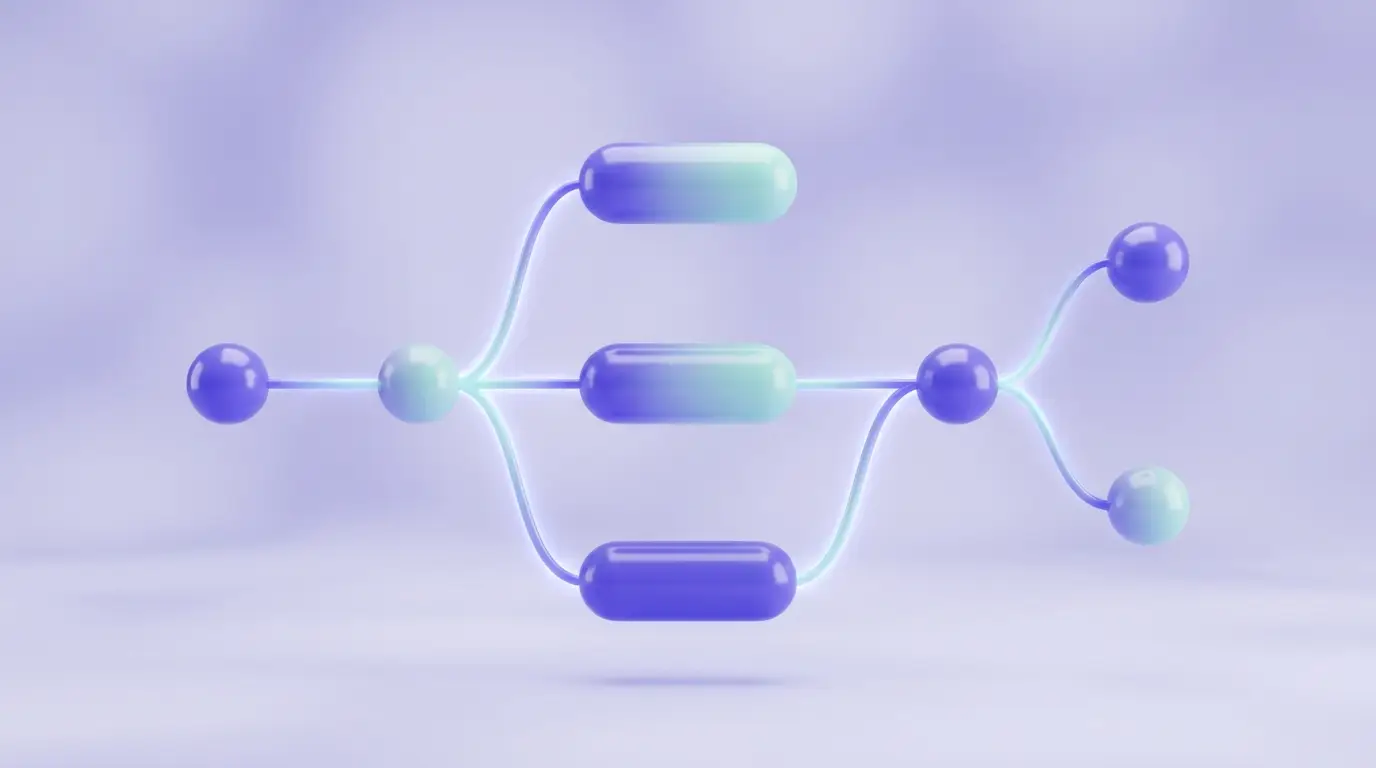
A trigger, a condition, a branch

A trigger, a condition, a branch

Start from what happened, split on what is true, and send the two sides somewhere different. The shape on the canvas is the shape of the logic.

  • Drag, drop and connect — no syntax to learn
  • The whole team can read it, not just whoever built it
Edit it, save it, run it

Edit it, save it, run it

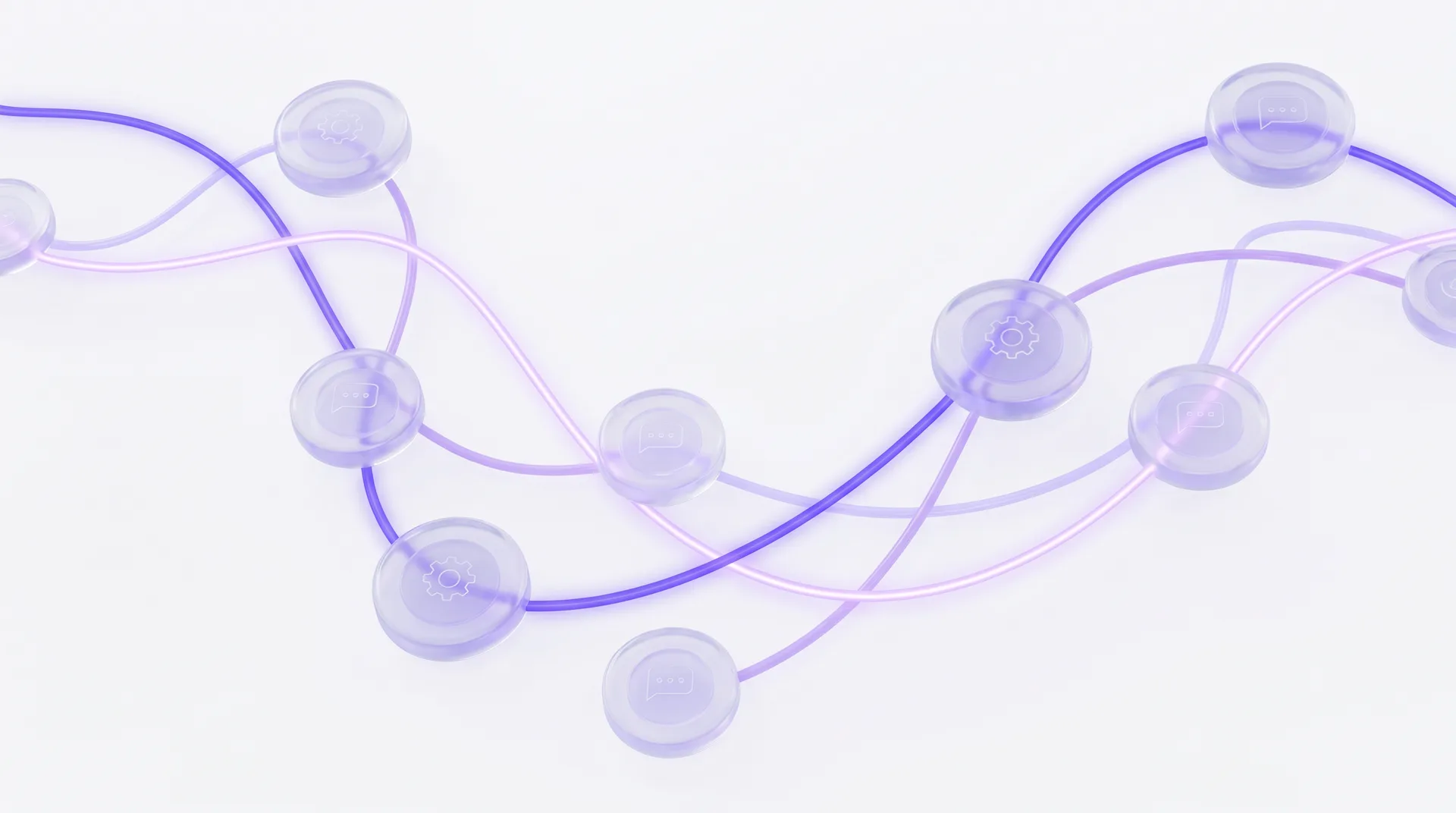
Flows are real records, not sketches. Change one and save; the version your workspace runs is the one on the canvas.

  • Editable and saved per workspace
  • A flow can be left inactive while you work on it

Tags and automation together

A flow can label a conversation as it goes, and those labels are the same ones your inbox filters on.

  • Apply a tag from inside a flow
  • Filter the inbox by the same tag afterwards

What the canvas gives you

Branching

Split a conversation on a condition and send each side its own way.

Tagging

Label conversations as they move, using the tags the inbox already knows.

Timing

Decide what happens now and what waits.

Reusable shapes

Build the pattern once and keep it as the workspace's own.

Working in three steps

  1. 1

    Open the canvas

    Start from an empty board or from a flow you already saved.

  2. 2

    Wire the path

    Place the trigger, the conditions and the messages, and connect them.

  3. 3

    Turn it on

    Save it, activate it, and change it whenever the process changes.

Related solution

AI customer management

Where the conversations a flow shapes end up being managed.

Questions people ask

Do I need to write code?

No. Nodes are placed and connected on a canvas; there is no expression language to learn.

Can I work on a flow without it running?

Yes. A flow only runs while it is active, so you can leave a draft alone until you are happy with it.

Does it work alongside the AI assistant?

Yes. A flow shapes the path; the assistant handles the free-text answering inside it.

Draw the process you keep explaining.

Free for 14 days. The canvas is in the workspace from day one.

Start free for 14 days

No credit card · Full Pro access · Cancel anytime