Blinkerbot

Product

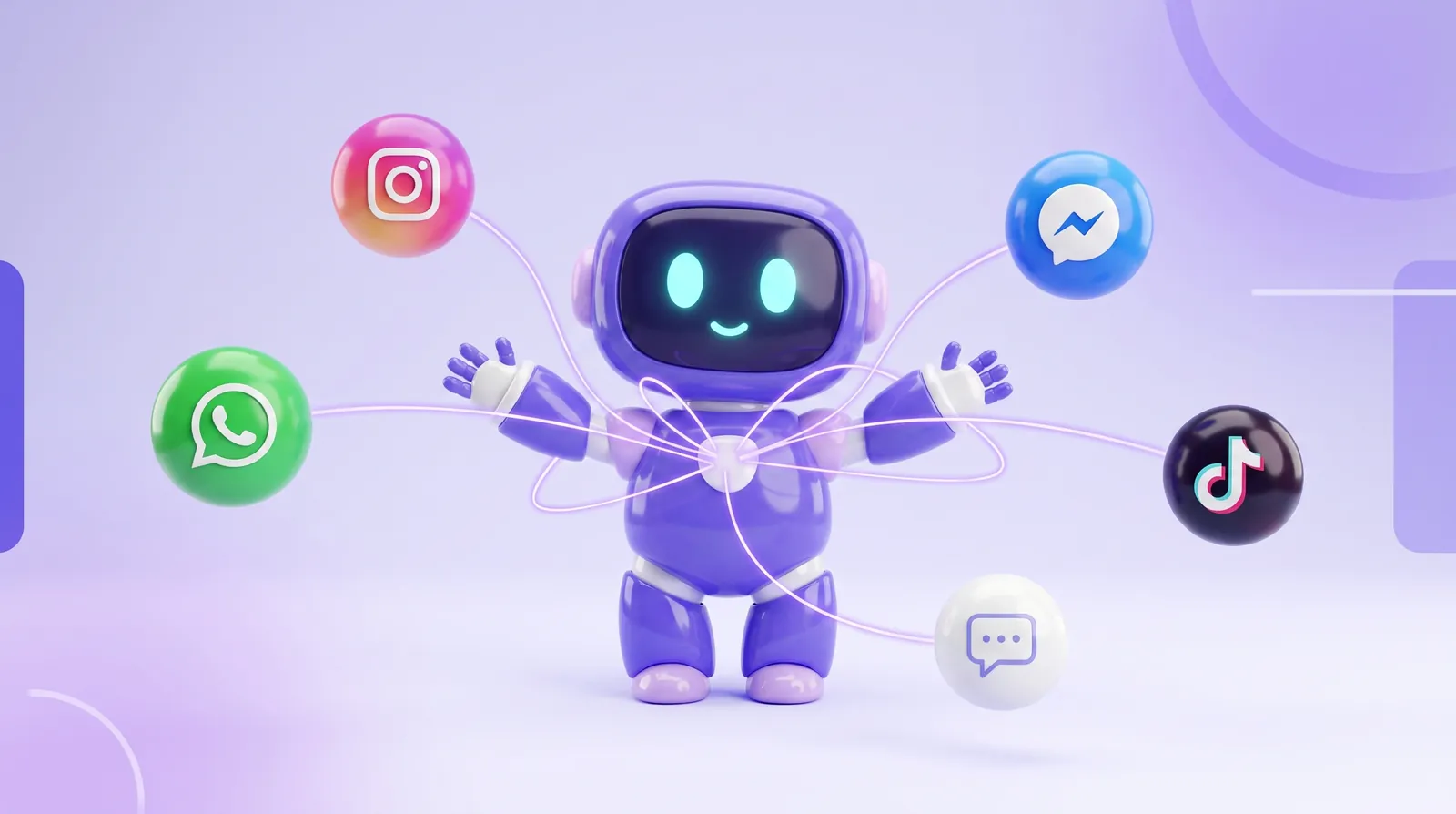
Five channels, one inbox

WhatsApp, Instagram, Messenger, TikTok and your website chat on the same screen. No tab-switching, nothing lost between apps.

No credit card · Full Pro access · Cancel anytime

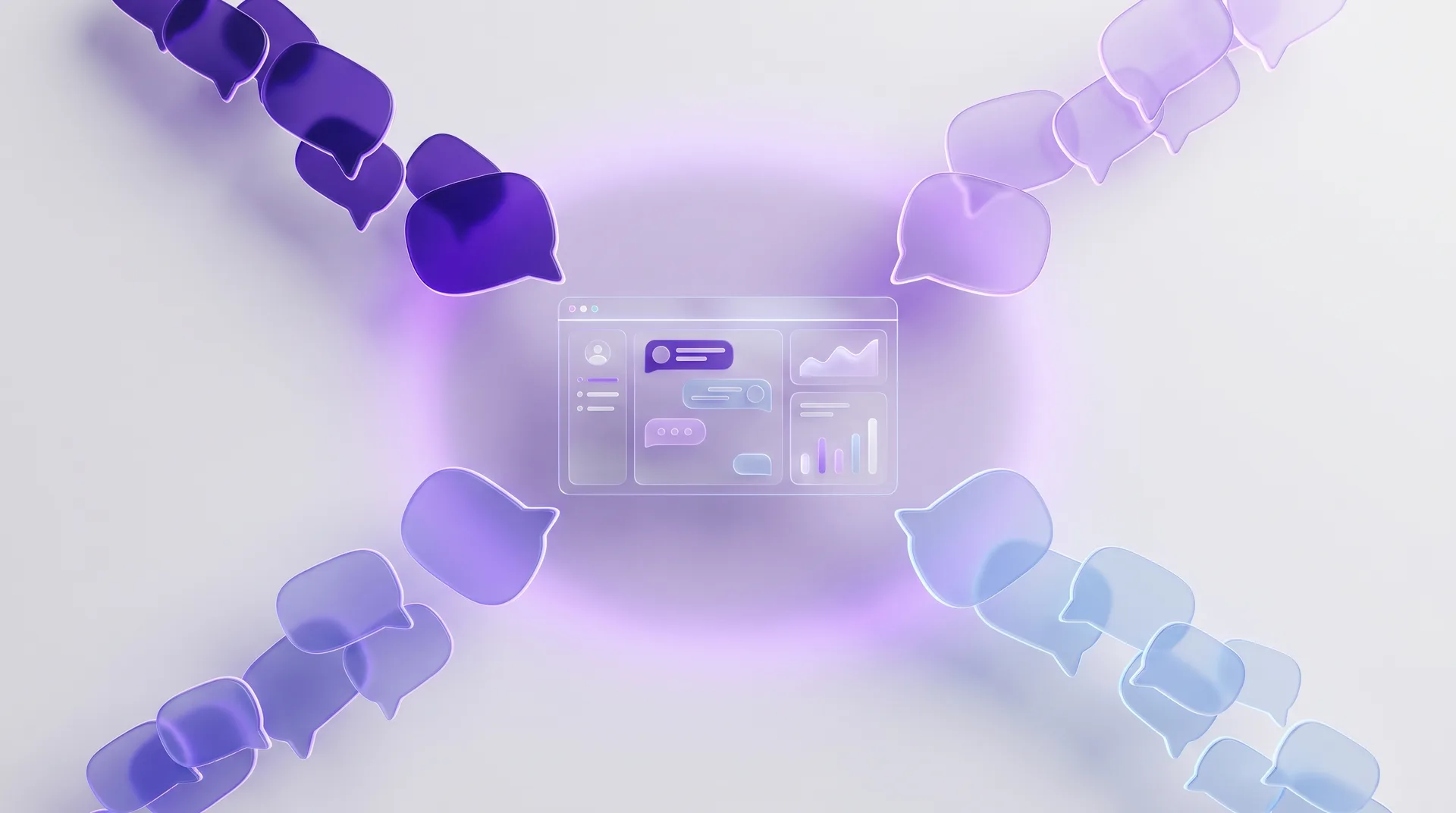
The Blinkerbot inbox: conversation list, thread, and customer panel side by side
WhatsAppInstagramMessengerTikTokWeb chat

Wherever it came from, it lands here

Every channel normally means another app with its own unread count. Blinkerbot collapses them into one list, marks each conversation with the channel it arrived on, and sends your reply back out the same way.

  • WhatsApp, Instagram, Messenger, TikTok and web chat
  • A platform badge on every row and a channel filter above them
The whole conversation, in one place

The whole conversation, in one place

History, tags and everything the assistant already said sit next to the thread. When you take over you are not reading from the top.

  • The unread badge counts real unread messages
  • Search inside conversations to find what you promised last month

The AI hands over, you take it

When the assistant cannot answer, it gives you the conversation and a summary of where it got stuck. You can pause the AI for up to 24 hours or assign the thread to a teammate.

  • An AI summary at the moment of handover
  • Assign, add a note, or pause automation on one thread

What is in the inbox

Five channels, one list

Every connected channel drops into the same inbox, and each row says which one it came from.

Conversation search

Find an old order or a promise you made by searching the text of the thread.

Tags and segments

Tag conversations, then pull every thread with the same tag together in one filter.

Assignment and roles

Give a conversation to one person so it is clear who is looking at what.

Working in three steps

  1. 1

    Connect the channels

    Link WhatsApp, Instagram, Messenger, TikTok and your website chat to the workspace.

  2. 2

    Everything lands together

    Messages from every connected channel arrive in the shared inbox as they come in.

  3. 3

    Take over when it matters

    The assistant answers; the conversation reaches you when a person is needed.

Related solution

Automatic replies

If what you want is for most of what lands here to answer itself.

Questions people ask

How many channels can I connect?

All five kinds: WhatsApp, Instagram, Messenger, TikTok and web chat. The limits that apply to your plan are on the pricing page.

Can several people work the inbox at once?

Yes. Conversations can be assigned and roles can be set, so it is visible who is handling which thread.

Can I turn the AI off completely?

Yes. You can pause it on a single conversation, or switch automation off entirely and use this as a plain shared team inbox.

Bring every channel onto one screen.

Free for 14 days. Connecting a channel takes a few minutes.

Start free for 14 days

No credit card · Full Pro access · Cancel anytime