An appointment booking bot is an assistant that takes bookings inside a chat. The customer says what they want, the bot shows only the slots that are actually free, and once the customer confirms, it saves the appointment and repeats the details. Done properly, it also handles rescheduling and cancellations, prevents two people from getting the same slot, and passes sensitive or unusual conversations to your team.
This guide covers how it works step by step, how double bookings are prevented, what to prepare before setup, and examples for salons, clinics, and studios.
Why bookings get lost in chat
Booking is a small negotiation. The customer proposes a day, you check the diary, the slot is taken, they propose another, and so on. By phone that takes minutes; in direct messages it can stretch across hours, and every gap gives the customer time to book somewhere else.
- After-hours requests wait. Someone writing at 10 pm gets an answer the next morning, if at all.
- Your hands are busy. A stylist mid-colour or a practitioner with a patient cannot type.
- Manual diaries cause mistakes. Two people promised the same hour, or a booking jotted on paper that never reaches the calendar.
To see your own cost, count last month's booking requests you answered late and how many never became appointments.
How a booking bot works, step by step
A good booking assistant behaves like a sensible receptionist rather than a form. In Blinkerbot, the flow looks like this:
- It asks what service the customer wants. The service matters because it decides how long the appointment takes.
- It asks which day suits them. A specific date, or "sometime this week".
- It offers only genuinely free slots. It considers your opening hours, existing appointments, and the length of the service.
- It confirms the name. So the booking is under the right person.
- It books only after the customer confirms. Then it repeats the day, time, and service in the chat.
- It handles changes. If the customer wants to move or cancel, it shows new free slots and updates the booking. It does this only for that customer's own appointment.
If the customer asks something else mid-conversation, such as the price, the address, or whether there is parking, the assistant answers from your information and then returns to the booking. Blinkerbot works in Turkish, English, German, and French.
How double bookings are prevented
Two customers hitting the same hour is the most embarrassing failure of manual booking. A well-built bot closes the gap in two places:
- Only free slots are offered. A slot that is taken never appears in the list.
- The slot is checked again at the moment of booking. If two people try to confirm the same time simultaneously, only one gets it, and the other is offered an alternative.
For this to work, keep a single calendar as the source of truth. Appointments you take in person or by phone must go into the same place, or the bot cannot see them.
Opening hours, days off, and breaks
The bot follows what you define. Enter weekly hours, lunch breaks, and holidays, and those periods are never offered. Service duration matters just as much: a 30-minute trim and a two-hour colour do not fit the same gap. If you need buffer time for cleaning or preparation between clients, include it in the duration.
Reducing no-shows
Missed appointments cost you an empty chair. You cannot eliminate them, but you can reduce them:
- Clear confirmation. Date, time, service, and address in one message, so mistakes are caught immediately.
- Easy rescheduling. If moving the appointment takes one message, people move it instead of vanishing, and the freed slot can be rebooked.
- A stated cancellation policy. Put your rule in the assistant's information, for example how far ahead a client should cancel. When asked, it gives the right answer.
- A reminder, with a platform caveat. On WhatsApp, once 24 hours have passed since the customer's last message, you can only send a pre-approved template message through the official API, and Meta charges for those. Plan reminders with that in mind.
Examples by business type
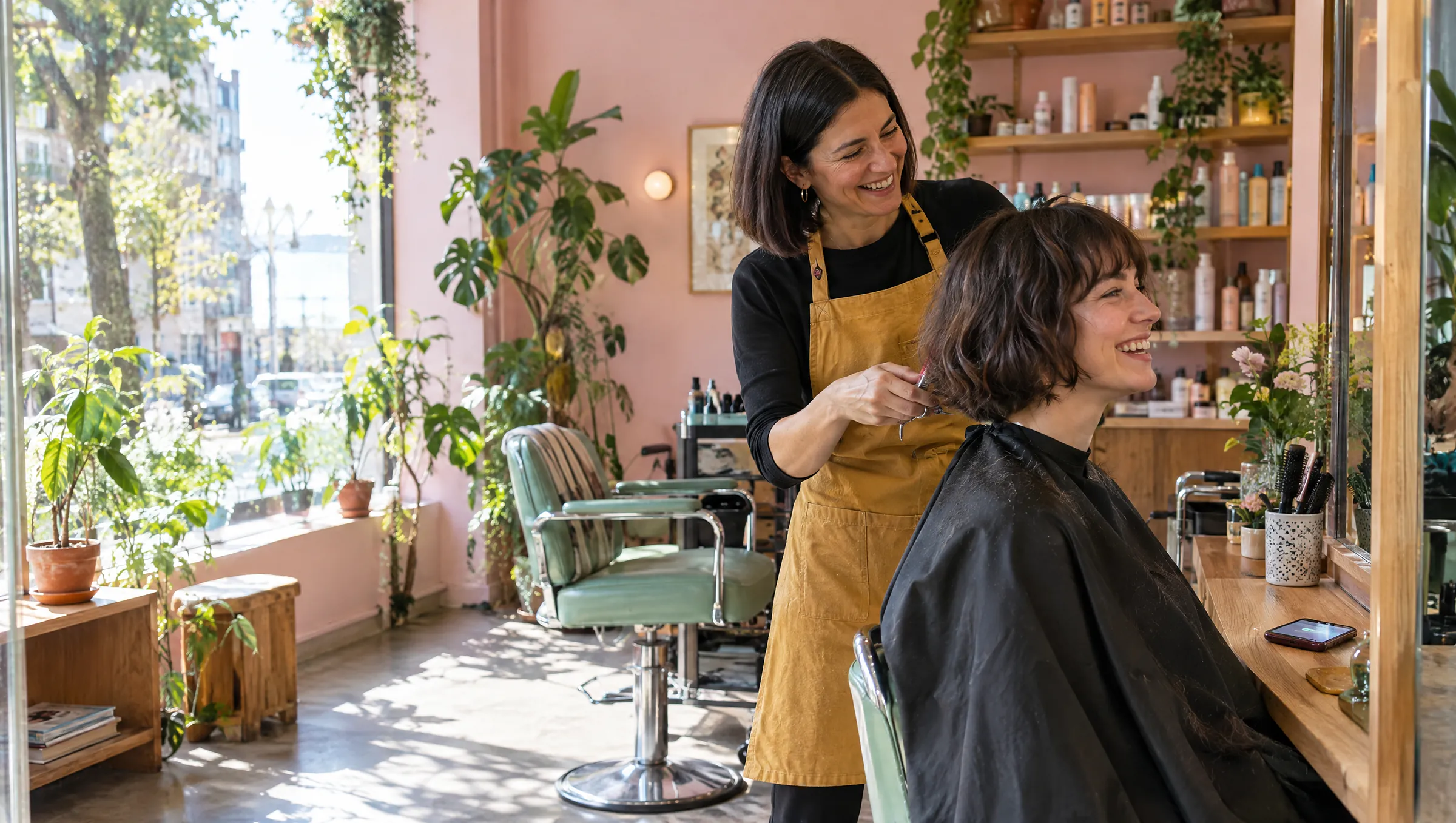
Hair salon or barber
A typical chat:
- Customer: "Do you have anything on Saturday for a cut?"
- Assistant: "Saturday has 11:00, 13:30, and 16:00 free. Which suits you?"
- Customer: "13:30, please."
- Assistant: "Great. What name should I put it under?"
- Customer: "Sam Carter."
- Assistant: "Sam Carter, Saturday at 13:30, haircut. Shall I confirm it?"
- Customer confirms and the booking is saved.
Clinic or practice
A patient writes, "I'd like a check-up." The assistant asks which type of appointment and which day, and shows free slots. For clinics, set clear boundaries: the assistant books and informs, but it does not give medical advice. If a message describes pain or an urgent situation, your instructions should send it straight to your staff, and your away message should point to emergency services. Health information is sensitive personal data in many places, so collect only what the booking needs and decide the details with a qualified professional.
Beauty studio
Facials, brows, and nails take very different times. Enter each treatment's duration separately, so a request for a Friday facial only gets gaps long enough for it.
Fitness studio or tutoring centre
One-to-one sessions, trial classes, and placement tests fit a booking bot well: a parent writing in the evening can get free weekend slots and a booking in the student's name. Large group classes with capacity limits are a different problem, so clarify your needs before setup.
What to prepare before you start
- Services and durations. Name and length of each.
- Staff and locations. Who does which service, and where.
- Hours. Including breaks, closed days, and holidays.
- Booking rules. Same-day bookings? How far ahead can clients book?
- Cancellation policy. Written in plain words.
- Common answers. Prices, address, parking, payment methods.
When to hand over to a person
The bot takes the repetitive part. Some conversations should still reach a human:
- The customer asks for a person.
- A complaint, refund, or special price request.
- A medical question or an emergency.
- Anything the assistant's information does not cover.
Blinkerbot does not invent answers; if it does not know, it says so and can hand the conversation to your team. Your colleagues then pick it up in the shared inbox with the full history, while the assistant stays quiet. For a wider look at how assistants avoid making things up, see what an AI customer assistant is.
Following up with customers who go quiet
Sometimes a customer sees the free slots, says "I'll think about it", and disappears. Blinkerbot can follow up with customers who go quiet. On WhatsApp the 24-hour window still applies, and bulk cold messaging to people who never contacted you is against Meta's rules and can cost you the number. Keep follow-ups rare and tied to a conversation the customer started. The same approach for another channel is in the WhatsApp auto-reply guide, and the rules for Instagram are in the Instagram DM automation guide.
Privacy
A booking involves a name, a phone number, and sometimes sensitive details. Ask only for what you need and tell customers an automated assistant handles the messages. This is not legal advice; confirm your obligations with a professional.
How to set up a booking bot with Blinkerbot
- Start the 14-day free trial. No credit card required.
- Connect WhatsApp, Instagram, or website chat. WhatsApp, Instagram, and Messenger connect through Meta's official APIs.
- Teach the assistant your business: add your website, price list, and policies, and review what it learned.
- In the booking module, enter your services and durations, staff, locations, and opening hours.
- Set the tone, for example formal or friendly, and how it should address customers.
- Book, reschedule, and cancel a test appointment from your own phone. When it all works, switch it on for customers and watch early conversations in the inbox.
You can see the whole picture on the auto-replies page and compare plans on the pricing page.
Frequently asked questions
Do customers need to install an app to book?
No. They book in the app they already use to message you, such as WhatsApp or Instagram, or through chat on your website. You see the appointments in your Blinkerbot dashboard.
Can two clients get the same time slot?
The bot only offers free slots and checks the slot again when the customer confirms, so double booking is prevented. Keep all your appointments, including phone and walk-in ones, in the same calendar.
Can customers reschedule or cancel by themselves?
Yes. In the chat, a customer can ask to move or cancel their own appointment. The assistant shows new free slots and updates the booking.
Does the WhatsApp Business app do the same thing?
No. Its greeting, away message, and quick replies are fixed texts that do not understand questions or see a calendar. Booking in chat needs a system connected through the official WhatsApp Business Platform.
What if the customer asks something the bot cannot answer?
It does not guess. It says it does not know and can hand the conversation to your team to continue.