A good WhatsApp greeting message does three things in two or three lines: it tells the customer they reached the right place, it sets an expectation for when they will get an answer, and it asks one easy question. Below you will find 18 ready-to-copy greeting, away and quick-reply messages for small businesses, grouped by industry, plus a plain explanation of what the WhatsApp Business app can and cannot do, and where an AI assistant takes over. Replace the text in [brackets] with your own details.
What are greeting, away and quick-reply messages?
The WhatsApp Business app has three built-in message tools:
- Greeting message. Sent automatically when a new customer writes to you for the first time, or when they return after a period of silence.
- Away message. Sent automatically outside the hours you set, or when you mark yourself as away.
- Quick replies. Saved snippets you insert by typing a shortcut, so you do not retype the same answer all day.
All three are fixed text. You write them once and the app sends exactly that. This is useful and free, and for many tiny businesses it is enough. We compare it with other approaches in our guide on setting up WhatsApp auto-reply.
How to write a greeting that customers actually answer
Keep it short
People read WhatsApp on a phone, usually while doing something else. Two to four short lines beat a paragraph.
Say who you are and what happens next
Name the business and say when to expect a reply. "We usually reply within the hour" is only worth writing if it is true.
End with one easy question
"What can we help you with?" is fine, but a specific question works better: "Are you looking for a table, a menu, or opening hours?"
Match your voice
A neighbourhood café can be warm and casual. A clinic should be calm and precise. Do not copy a tone that is not yours.
Greeting and away message examples by industry
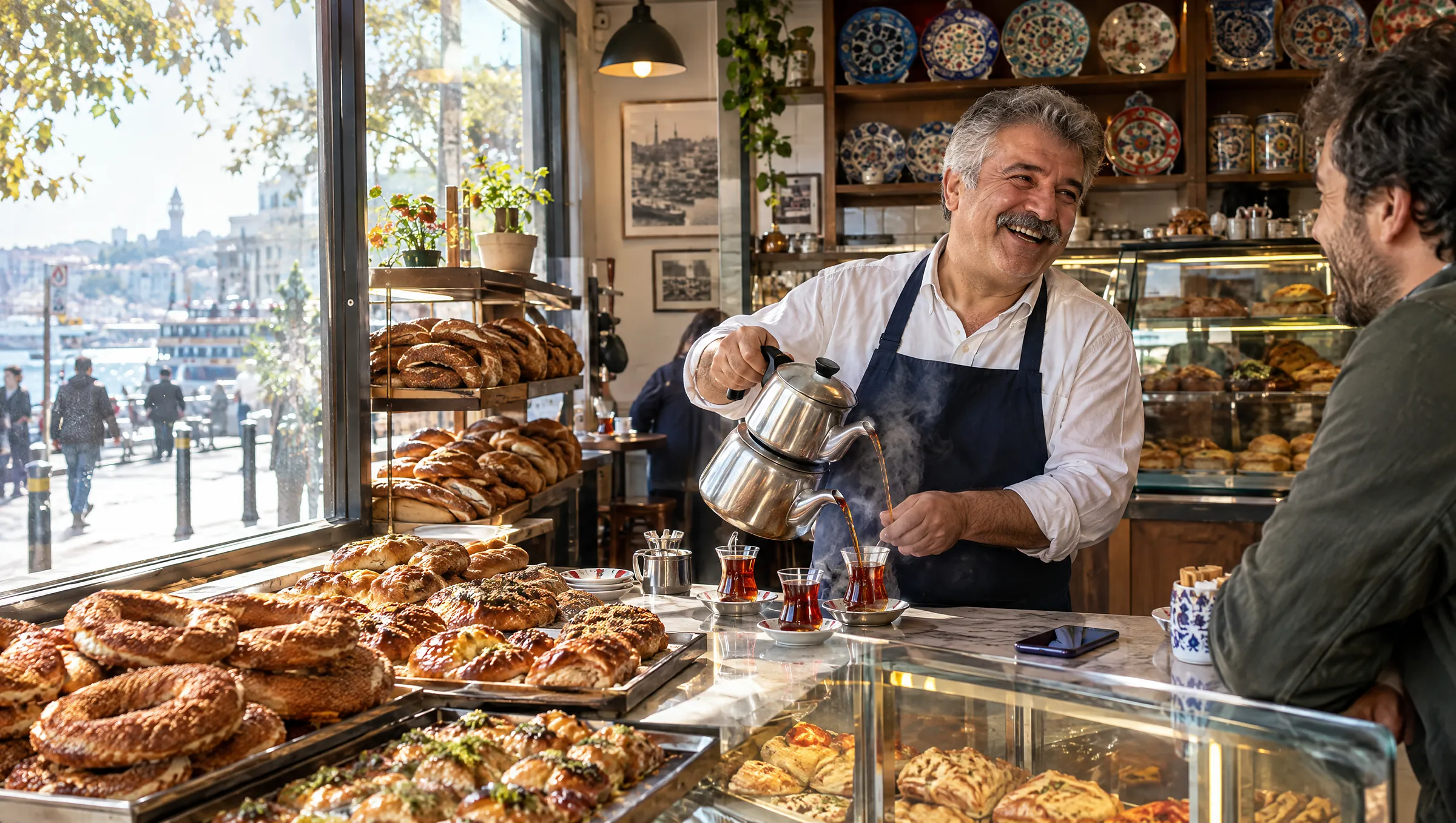
Cafés and restaurants
- Greeting: "Hi, thanks for writing to [Café name]! We're open [hours]. Looking to book a table, see the menu, or ask about opening hours?"
- Away message: "Thanks for your message. We're closed right now and open again at [time]. Leave us your question or your booking request (date, time, number of people) and we'll reply as soon as we open."
- Quick reply (booking details): "To book a table we need the date, the time and the number of guests. Could you send those?"
- Quick reply (dietary questions): "Thanks for asking. Please tell us which allergy or diet you have, and we'll check with the kitchen and come back to you." (Never promise allergen safety in an automatic message; confirm with the kitchen.)
For a fuller look at table booking chats, see the Turkish café and restaurant guide.
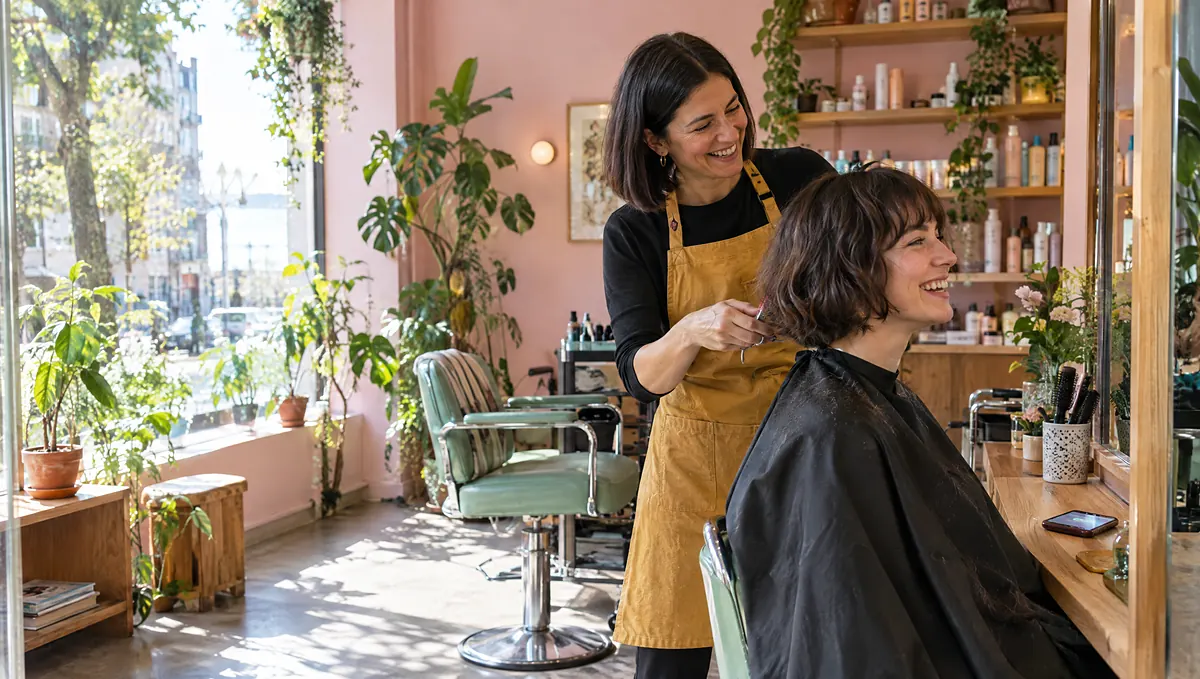
Hair and beauty salons
- Greeting: "Hello and welcome to [Salon name]! Which service are you interested in, and which day works best for you?"
- Away message: "We're away from the chair right now and will reply when we're back at [time]. To speed things up, tell us the service and the day you'd like."
- Quick reply (cancellation policy): "You can change or cancel your appointment free of charge up to [time] before it starts. Just message us here."
- Quick reply (what to bring): "No need to bring anything. If you'd like a colour consultation, a recent photo of the look you want helps a lot."
Our guide on appointment booking bots for salons and clinics shows how the booking itself can happen inside the chat.
Clinics and practices
- Greeting: "Hello, you've reached [Clinic name]. We can help with appointments and general information. For anything urgent, please call [emergency number] or your local emergency service instead of writing here."
- Away message: "Our clinic is closed right now and we'll reply from [time]. If this is an emergency, please call [emergency number]."
- Quick reply (appointment request): "Which type of appointment do you need and which days suit you? Please don't send medical details in this chat; we'll cover that at the visit."
- Quick reply (documents): "Please bring your ID and any previous reports to your appointment."
Health information is sensitive personal data in many countries, so collect only what you need to book. Check your local privacy rules.
Retail shops and service businesses
- Greeting: "Hi, thanks for contacting [Shop name]! Are you asking about a product, an order, or our opening hours?"
- Away message: "We're closed at the moment and will be back on [day, time]. Send us your question and we'll get back to you first thing."
- Quick reply (address and directions): "You'll find us at [address], [landmark]. We're open [hours]. There's [parking/transport info] nearby."
- Quick reply (price request): "Happy to help with a quote. Could you tell us what you need, the size or quantity, and when you need it?"
Gyms, studios and schools
- Greeting: "Welcome to [Studio name]! Are you interested in a trial class, membership information, or the class schedule?"
- Away message: "Thanks for writing! Our team is away until [time]. The class schedule is on [website]. Leave your question and we'll answer as soon as we're back."
Do's and don'ts for these messages
- Do give real opening hours and update them for holidays.
- Do tell customers where to go for emergencies if you are a health business.
- Don't promise a reply time you cannot keep.
- Don't send a long menu of numbered options in the first message. It feels like a phone tree.
- Don't put prices, medical advice or legal promises in a greeting unless you are certain they are always correct.
- Don't message customers who have not written to you first. That is a different matter and can risk your number; read our guide on whether auto-replies can get your number banned (Turkish) for the background.
What are the limits of the WhatsApp Business app?
The app's tools are a good start, but they have limits you should know before you build a routine around them:
- Fixed text. The app does not understand what the customer wrote. Someone who asks "Do you have gluten-free options on Sunday?" gets the same greeting as everyone else.
- No calendar. It cannot look at your availability or book an appointment.
- Limited teamwork. It is designed for a single owner or a very small team, not for assigning conversations or tracking who handled what.
- No follow-up logic. It will not nudge a customer who went quiet after asking for a price.
None of this means the app is bad. It means a greeting message is a doorbell, not a receptionist. If your inbox is getting beyond what you can handle, read our comparison of WhatsApp Business app and API (Turkish) to decide when to move up.
When does an AI assistant make sense?
Consider an AI customer assistant when:
- Customers ask many different questions and you keep typing similar answers.
- You get messages at night and on weekends that wait until morning.
- You want to book appointments or reservations inside the chat.
- Several people need to see and handle the same inbox.
An AI assistant reads the customer's actual message and replies from your own information, such as your website and documents. It asks a missing detail, and when it does not know something it says so and hands the conversation to a person. We explain this in what an AI customer assistant is. The greeting examples above are still useful: they become the starting point for your assistant's tone and instructions.
How to set up greetings and replies with Blinkerbot
- Start your 14-day free trial. No credit card is needed.
- Connect your channels: WhatsApp, Instagram, Messenger, TikTok, Telegram or your website chat.
- Teach the assistant your business by letting it read your website and uploading your price list and FAQ.
- Paste the tone you like from the examples above into the assistant's instructions, for example "warm, short, use first names."
- Add your opening hours and define which topics should always go to your team.
- Test from your own phone, including a message in the middle of the night, a question the assistant should not know, and a request for a human.
- Review the first week's conversations in the shared inbox and add missing answers.
See plans on the pricing page.
Frequently asked questions
Can I set different greeting messages for different times of day?
The Business app lets you set one greeting and one away message with a schedule. For different replies by topic or time of day, you need a tool that understands the message.
How long should a WhatsApp greeting message be?
Two to four short lines. Say who you are, set a time expectation if you can keep it, and ask one specific question.
Will a greeting message get my number banned?
A greeting sent to someone who messaged you first is normal use. Problems tend to come from unsolicited bulk messages, not from replying to people who wrote to you.
Do I need to translate my greeting message?
If customers write in several languages, yes, or use an assistant that replies in the customer's language. Blinkerbot works in Turkish, English, German and French.
Can greeting messages book appointments?
No. A fixed greeting only sends text. To book inside the chat, you need an assistant connected to your calendar.